

The TMS320F28034PNT microcontroller, part of the TMS320F28034 family for Industrial Automation and High Performance Digital Signal Processing Scenarios, is highly precise and operates with exceptional efficiency. It is particularly valuable for industrial automation systems, offering robust features to enhance control and performance rapidly. Key features include:
A 32-bit CPU running at 60 MHz for fast and reliable task execution.
An advanced ADC with versatile connection options for seamless integration.
Enhanced PWM capabilities providing detailed and precise control.
The TMS320F28034PNT is ideal for applications such as motor control, signal processing, and power system management, making it a versatile solution for demanding industrial and digital signal processing scenarios.
Key Takeaways
The TMS320F28034PNT microcontroller works great for industrial machines. Its fast 32-bit CPU and advanced ADC improve control and speed.
To use the TMS320F28034, get tools like a development board and Code Composer Studio. Follow simple steps to set it up for the best results.
Test and improve the system often. Adjust PWM signals and check how it works to keep it efficient and reliable for automation jobs.
Understanding the TMS320F28034 for Industrial Automation
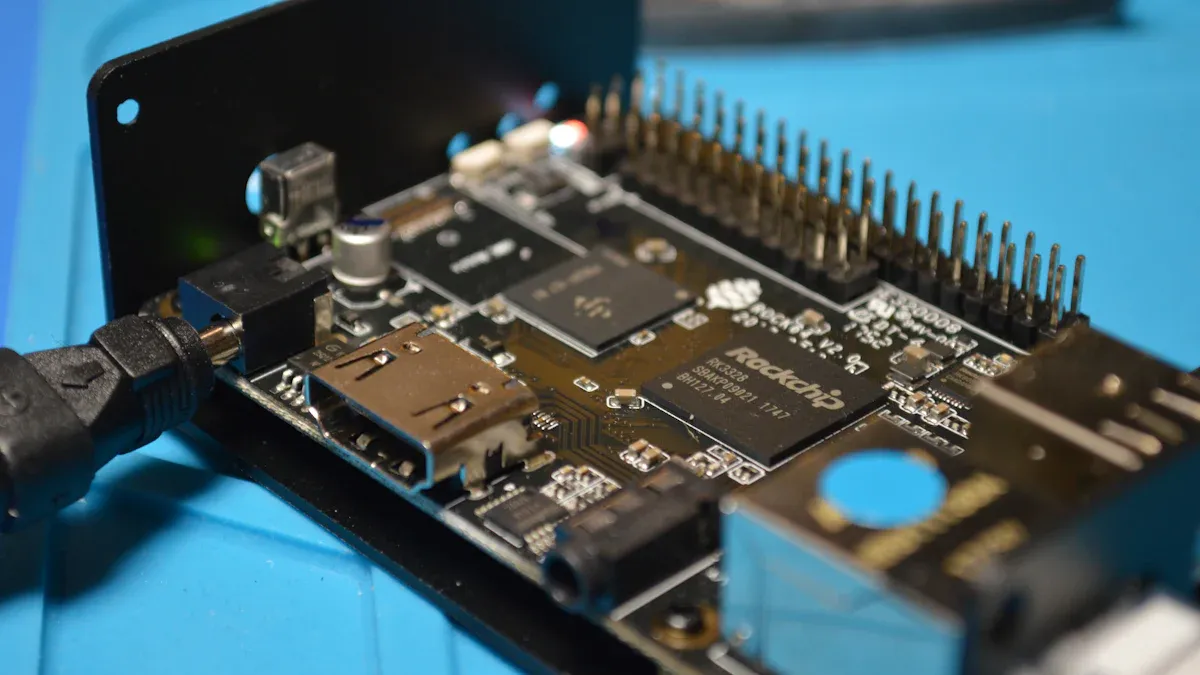
Key Features and Specifications of the TMS320F28034PNT Microcontroller
The TMS320F28034PNT microcontroller is a strong tool for automation. It works well in tough tasks and is very reliable. Below is a simple table showing its main features:
Specification | TMS320F28034PNT |
|---|---|
Core Processor | 32-bit C28x |
Program Memory | 128KB |
RAM | 10KB |
A/D Converter | 16-channel, 12-bit |
Interfaces | CANbus, I2C, LINbus, SCI, SPI, UART/USART |
Operating Temperature Range | -40°C to 105°C |
Power Supply Voltage Range | 1.71V to 1.995V |
Package Type | 80-pin LQFP |
RoHS Compliance | Yes |
Watchdog Timer | Yes |
Radiation Hardness | No |
Lead Time | About 6 weeks |
These features show how well it handles hard tasks. Its processor is fast, and the ADC connects easily to sensors.
Applications in High-Performance Digital Signal Processing Scenarios
This microcontroller is great for motor control and signal tasks. It helps motors run smoothly with its advanced PWM. Its interfaces, like CANbus and SPI, allow easy communication in systems.
Signal processing also benefits from its fast speed and ADC. You can use it for sound or industrial signal work. It gives accurate results and works efficiently.
Why It’s Ideal for Power Generation Systems and Automation
The TMS320F28034PNT microcontroller works well in power systems and automation. It handles hot and cold environments and follows safety rules. It helps save energy and improves power systems.
In automation, it connects easily to sensors and controls processes. Its watchdog timer keeps systems safe by fixing problems. These features make it a key part of modern automation and signal tasks.
Step-by-Step Implementation of the TMS320F28034
Getting Hardware and Tools Ready
To start using the TMS320F28034, gather the right tools. Get a development board that works with the TMS320F28034. Choose one with debugging features to make things easier. You’ll also need a good power supply, a USB cable, and a computer with the required software.
Download and install Code Composer Studio (CCS) on your computer. This software is made for Texas Instruments microcontrollers. It helps you write, test, and fix your code. Also, get the latest support files and libraries from Texas Instruments.
Tip: Keep a multimeter and oscilloscope nearby. These tools help check voltage and signals during testing.
Setting Up and Configuring
After gathering your tools, connect the board to your computer with the USB cable. Open CCS and start a new project. Pick the TMS320F28034 as your device. Adjust the clock settings to fit your needs, like setting the CPU clock to 60 MHz.
Set up the parts you’ll use next. For example, prepare the ADC to read sensor data or set up PWM for motor control. Use CCS examples and libraries to save time.
Connecting Sensors, Motors, and Other Parts
Once the microcontroller is ready, connect it to your system. Attach sensors to the ADC pins and check the grounding. Use PWM outputs to control motors or valves. For communication, link the microcontroller to other devices using CANbus or SPI.
Test each part one at a time before running the whole system. This step ensures everything works correctly. Use CCS debugging tools to find and fix problems.
Note: Good wiring and shielding are important to avoid signal noise in your system.
Optimization and Testing for High Performance
Making Inverter Startup Work Better
Improving how the inverter starts is very important. You can do this by adjusting the TMS320F28034 microcontroller settings. First, set the PWM signals to fit the motor’s needs. Then, slowly increase the speed during startup for smooth operation. This helps protect the motor and saves energy.
Another way to improve startup is by checking current and voltage. Use the microcontroller’s ADC to collect data and change signals as needed. This makes sure the system works well right from the start.
Using Fast Control and Reducing Delays
The TMS320F28034 is great for quick control tasks. Its fast 32-bit CPU handles data and commands quickly. To reduce delays, organize tasks in your code and use interrupts for urgent actions.
Quick control helps the system react fast to changes. For example, if a sensor notices a problem, the microcontroller can fix it right away. This quick response keeps the system steady and working well.
Testing and Fixing for Good Performance
Testing is key to making sure your system works well. Start by testing each part, like sensors and motors, before putting them together. Use Code Composer Studio tools to find and fix problems in your code.
While testing, watch how the system works in different situations. Look for problems like signal noise or overheating. Regular testing and fixing keep your automation system stable and efficient.
The TMS320F28034 microcontroller is important for industrial automation. It works fast and handles complex math for accurate control. To use it, follow these steps: prepare hardware, set up parts, and improve performance.
Feature | Details |
|---|---|
Design Type | |
Uses | Motor control, managing power systems |
Benefits | Smart design that saves money and energy |
Try it with three-phase motors or LED setups for new ideas.
FAQ
Why is the TMS320F28034 good for real-time control?
Its fast CPU and smart ADC give quick and accurate actions. This makes it great for controlling motors and inverters in real-time.
How does it help with inverter startup?
It uses smart control to improve startup. By changing PWM signals and checking current and voltage, it starts smoothly and works well.
Can it work with solar power systems?
Yes, it can manage solar power systems. Its strong design and grid support make it good for handling power generation and sharing.
See Also
Managing Data Storage and Configuration for AT24C02C-SSHM-T Chip
Implementing INA226AIDGSR for Effective Current Monitoring Solutions